
PoMade
Code pushed. First impression handled.
Your agent writes the code.
PoMade makes the repository worth opening.
Installation · How it works · Templates · README Studio · GitHub

What is PoMade?
The code works. The README still says “coming soon.” The About is empty. Nobody knows what the project does.
PoMade handles the last mile. It is a coding-agent companion and a GitHub Action that keeps your README, real demo media, About, and topics in step with the code you ship.
A sharp one-liner. A working command. A real preview. A repo that feels finished.
The finishing tools, together.
Start with the actual project
The presentation agent reads the project, relevant implementation, existing media, and release history. It suggests three factual About pitches, asks for your pitch and style, and derives topics from the project.
One project. Three first impressions.
Simple gets to the command. Signature gives your project an identity. Motion adds an animated cover and real demo media. The CLI and Studio share one renderer.
See the change before it lands
Save a plan, review the unified diff, then apply that exact artifact. Target hashes catch stale files; malformed markers stop the update.
Show something real
Plan screenshots and recordings, organize existing media, or generate an SVG architecture diagram and social card. Motion includes a static cover alternative.
Remember before. Maintain after.
Bundled agent hooks add presentation context at session start and before a shell git push. An optional Git hook checks generated files before a push. A GitHub Action maintains them afterward.
Finish the front door
Keep About, homepage, and topics aligned with your project. Generate missing community files, inspect documentation drift, and draft a release plan.
Status

Download v1.0.1. Install the packaged CLI from GitHub Releases.
See it in action
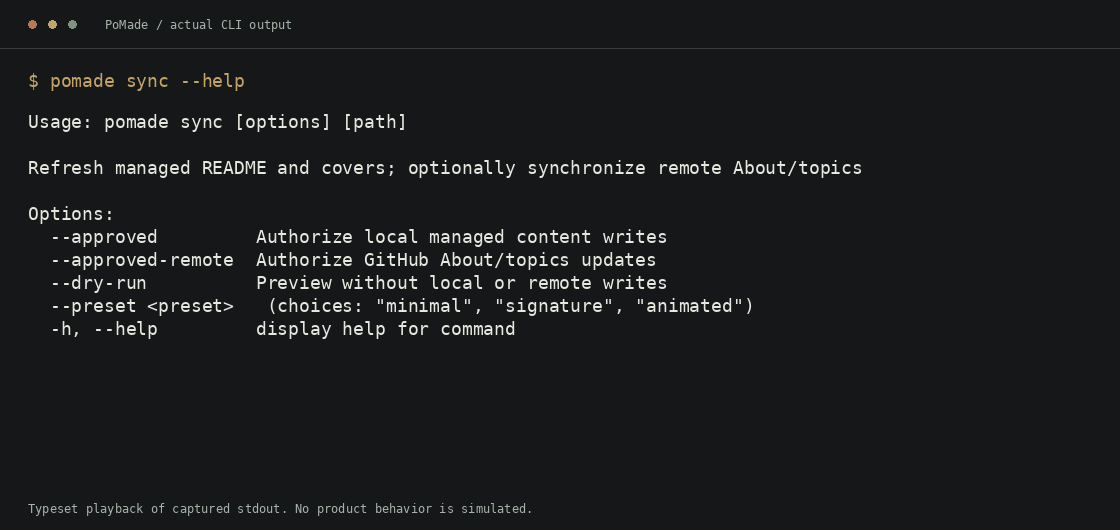
Presentation is part of shipping. Here is the actual PoMade CLI output, played back as a short animation.

Installation
Install the release package with Node.js 22 or newer:
npm install -g https://github.com/Gurtejhundal/Pomade/releases/download/v1.0.1/pomade-1.0.1.tgzThen, inside the project you want to polish:
pomade init --preset signature --approved
pomade diff
pomade apply --approved
init installs the configuration and push workflow. Review the first diff, adopt managed sections once, and commit the files with your code.
How it works
- Understand the project. The presentation agent inspects implementation, documentation, real media, and release history.
- Choose your pitch and style. Pick from three factual About lines and Simple, Signature, or Motion. PoMade derives topics and reuses accurate project media.
- Review the diff. Inspect a saved plan before applying it. Stale targets and malformed markers stop the update.
- Push the code. The GitHub Action maintains generated README sections and cover assets.
- Keep the front door current. An optional scoped token syncs About, homepage, and topics.
Handwritten text outside the managed sections stays yours.
Three ways to introduce your project
| Simple | Signature | Motion |
|---|---|---|
| Quiet. Direct. Command-first. | An identity people remember. | Show the thing doing the thing. |
| Title, setup, features, usage. | Logo, one-liner, badges, real image. | Animated cover, real GIF, static alternatives. |
| Use Simple → | Use Signature → | Use Motion → |
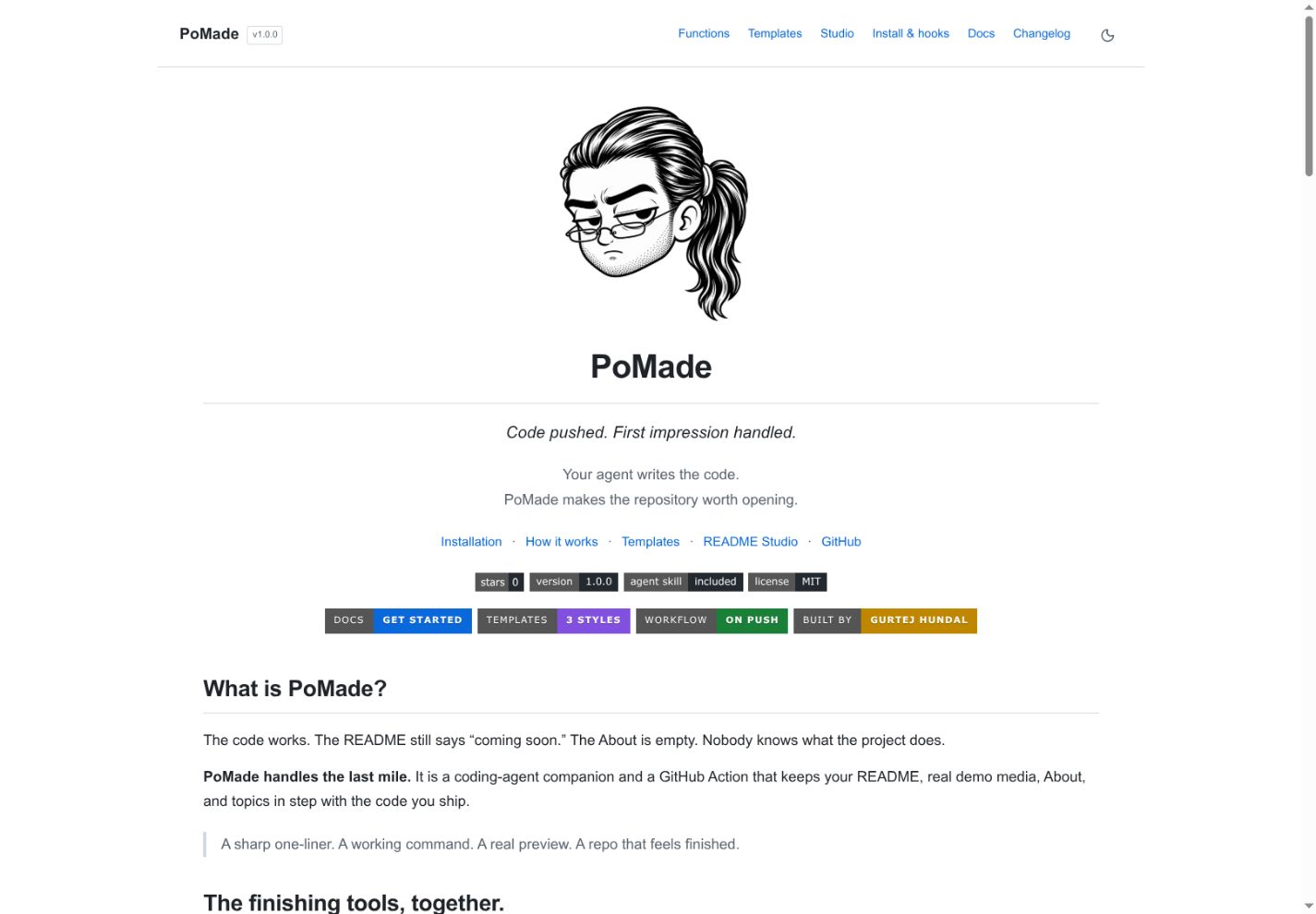
Same project. Same facts. Pick a preview:
PoMade
Code pushed. First impression handled.
Overview
Your agent writes the code. PoMade handles the README, media, About, and topics. Every push looks finished.
See it in action
Quickstart
pomade init --preset signature --approved
pomade diff
pomade apply --approved
Features
- Three styles, one engine — Simple, Signature, and Motion use the same renderer in the CLI and Studio.
- Polish after a push — Refresh managed README sections and covers with a GitHub Action.
- The whole front door — Sync About and topics with an administration-scoped token. Include real screenshots and recordings.
Made for your coding agent
The included skill brings presentation into a requested commit or push workflow. The Action keeps it maintained after the push.
codex plugin marketplace add Gurtejhundal/Pomade --ref v1.0.1
codex plugin add pomade@pomade
Other agents that support portable skills can install skills/pomade with their own skill installer. Loading the skill alone does not install a Git hook.
A little polish. No made-up proof.
- Real media. Screenshots come from the running product. Generated covers are labeled as covers.
- Useful badges. Live GitHub data and declared project facts. No invented stars or passing builds.
- Reviewed claims. A dependency is a dependency. A configured test command is not a passing test.
- Your writing. Generated sections are maintained. Your surrounding prose is preserved.
Structure references: Ponytail, Ollama, FastAPI, VS Code, Deno, and yt-dlp. Read the research.
Star History
Real GitHub data. View stargazers · Open Star History ↗
Contributing
Have a better example, a useful template improvement, or a bug to report? Open an issue or read the contributing guide.
License
MIT © Gurtej Hundal.